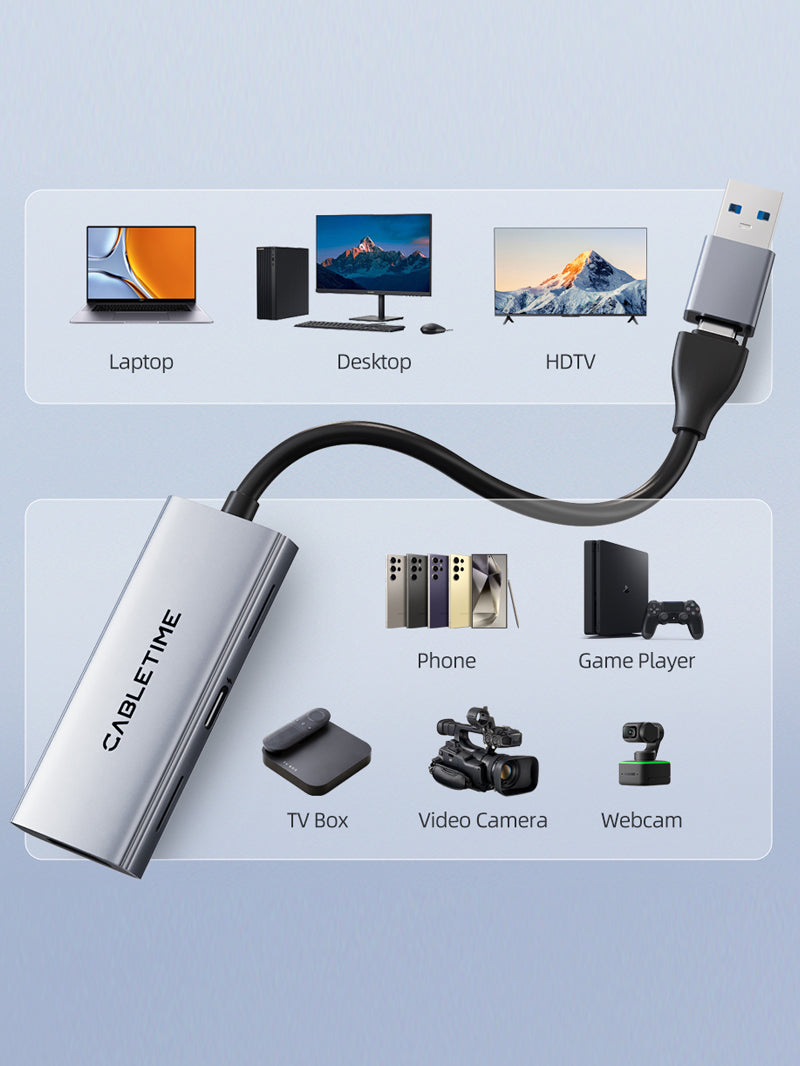
HDMI Capture Card with 100W PD, 4K@30Hz Input / 1080p@60Hz Capture, USB-A + USB-C
The CABLETIME CB66G accepts HDMI input up to 4K@30Hz and sends captured video to a compatible computer or device at up to 1080p@60Hz through USB-A or USB-C 3.0. A separate USB-C PD input is rated up to 100W for compatible charging setups.
Capture HDMI in Full HD while supplying compatible USB-C Power Delivery
4K@30Hz InputMaximum accepted HDMI source signal.
1080p@60Hz CaptureMaximum captured output to the host.
USB-A + USB-CDual host-connection format.
Up to 100W PDRequires compatible charger, cable and host.

Correct model distinction
CB66G is the capture-card model with USB-C PD input. It is suitable for game capture, camera feeds, presentations, online teaching and streaming through compatible capture software.
Do not confuse it with CB67G:this CB66G listing does not claim HDMI loop-out, microphone input or headphone-monitoring ports. Those features belong to a different capture-card model.
Technical specifications
| Brand | CABLETIME |
|---|---|
| Model / SKU | CB66G / CT-ACHC3P-AG |
| HDMI input | HDMI female, up to 4K@30Hz input |
| Host output | USB-A + USB-C 3.0 |
| Maximum capture output | Up to 1080p@60Hz |
| Power Delivery | USB-C PD input rated up to 100W |
| Material | Aluminium shell with PVC jacket |
| Not included as a feature | No HDMI loop-out, microphone input or headphone output claimed for CB66G |
USE
Connect the HDMI source, connect the capture-card output to the host through USB-A or USB-C, then select the capture device in compatible software. Connect a suitable PD charger only when host charging is required.
COMPATIBILITY
Capture performance depends on the source format, USB port, host device and software. HDCP- or DRM-protected content may not be capturable. Actual charging delivered to the host can be lower than the charger rating.
FAQ
Does 4K30 mean 4K recording? No. It accepts up to 4K30 input but captures up to 1080p60.
Does it have HDMI loop-out? No loop-out is claimed for CB66G.
Does it include 100W charging? It provides a PD input rated up to 100W; a compatible charger, cable and host are required.
Genuine CABLETIME product • GST invoice • India-based assistance • Applicable warranty support • Exact CB66G and SKU identification


Check the signal path first.
Identify the source and display or capture device, check connector type and conversion direction, then connect and select the correct input. Choose a video mode supported by the complete setup.
Will I always get the maximum listed resolution?
Actual output depends on the source, receiving device, intermediate equipment, selected mode and the length or version you choose. Check any length-specific limits in the product details.
Which length or version should I select?
Use the product selector to choose the required option. Check that option against any model, connector, length or pack-size distinctions in the specifications before ordering.