3-Port HDMI Switch, 4K@60Hz, IR Remote + Manual Control
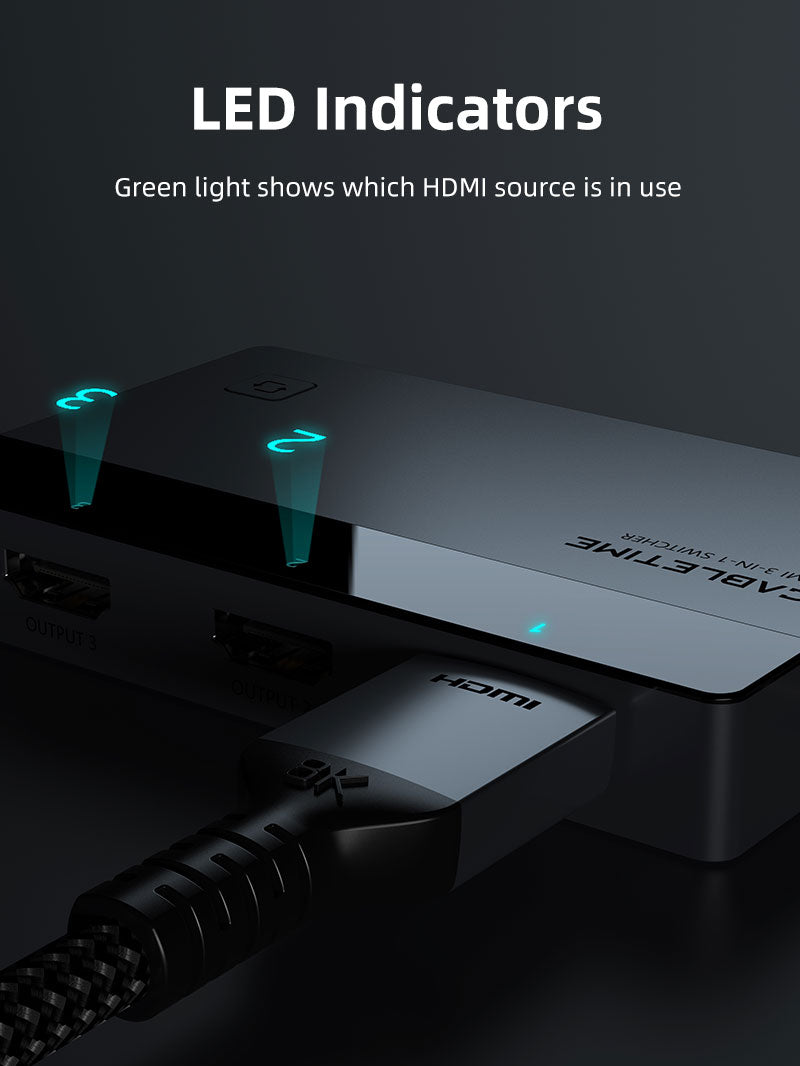
The CABLETIME CP35G is a powered 3-input, 1-output HDMI switch for TVs, monitors, projectors and AV receivers. It supports up to 4K@60Hz and lets you choose the active source using the included IR remote or the manual button.
Keep three HDMI devices connected and select them by remote or button
3 HDMI InputsConsoles, streamers, PCs and players.
1 HDMI OutputOne selected source to one display.
Up to 4K@60HzRequires full-chain compatibility.
Remote + ButtonManual selection in two convenient ways.

A switch, not a splitter
Connect up to three HDMI source devices—such as a PS5, Xbox, Nintendo Switch, laptop, Fire TV, Apple TV, Roku or Blu-ray player—and route one selected source to one HDMI display.
Manual source selection:CP35G does not support automatic switching. Use the physical button or included IR remote. USB-C power is required for stable operation.
Technical specifications
| Brand | CABLETIME |
|---|---|
| Model / SKU | CP35G / CT-HS4K3-AG |
| Inputs | 3 × HDMI female |
| Output | 1 × HDMI female |
| Signal direction | Unidirectional: selected source to one display |
| Maximum listed resolution | Up to 4K@60Hz |
| Switching | Manual button or IR remote; no automatic switching |
| Power | USB-C power required |
| Material | Aluminium shell |
PACKAGE
Includes the HDMI switch, USB power cable, infrared receiver, remote controller and manual. HDMI cables and a power adapter are not included.
COMPATIBILITY
The HDMI source, display and cables must support the selected resolution. For reliable 4K60 operation, use appropriately specified HDMI cables and connect USB-C power.
FAQ
Can it show three sources together? No. It selects one source at a time.
Does it switch automatically? No. Use the button or IR remote.
Is a power adapter included? No. A USB power cable is included, but the adapter is not.
Genuine CABLETIME product • GST invoice • India-based assistance • Applicable warranty support • Exact CP35G identification


Check the signal path first.
Identify the source and display or capture device, check connector type and conversion direction, then connect and select the correct input. Choose a video mode supported by the complete setup.
Will I always get the maximum listed resolution?
Actual output depends on the source, receiving device, intermediate equipment, selected mode and the length or version you choose. Check any length-specific limits in the product details.
Which length or version should I select?
Use the product selector to choose the required option. Check that option against any model, connector, length or pack-size distinctions in the specifications before ordering.