USB-C Female to USB-B Male Printer Adapter, 480Mbps
The compact CABLETIME CCB2G plugs into a compatible USB-B device and provides a USB-C female receptacle for a standard USB-C cable. It carries USB 2.0 data at up to 480Mbps for printing, scanning and other supported peripheral connections.
Use a USB-C cable with a printer or peripheral fitted with a USB-B port
USB-C FemaleAccepts a compatible USB-C cable.
USB-B MalePlugs into the printer-style USB-B socket.
480MbpsUSB 2.0 data rate.
Aluminium ShellCompact, reusable adapter body.

Correct connection layout
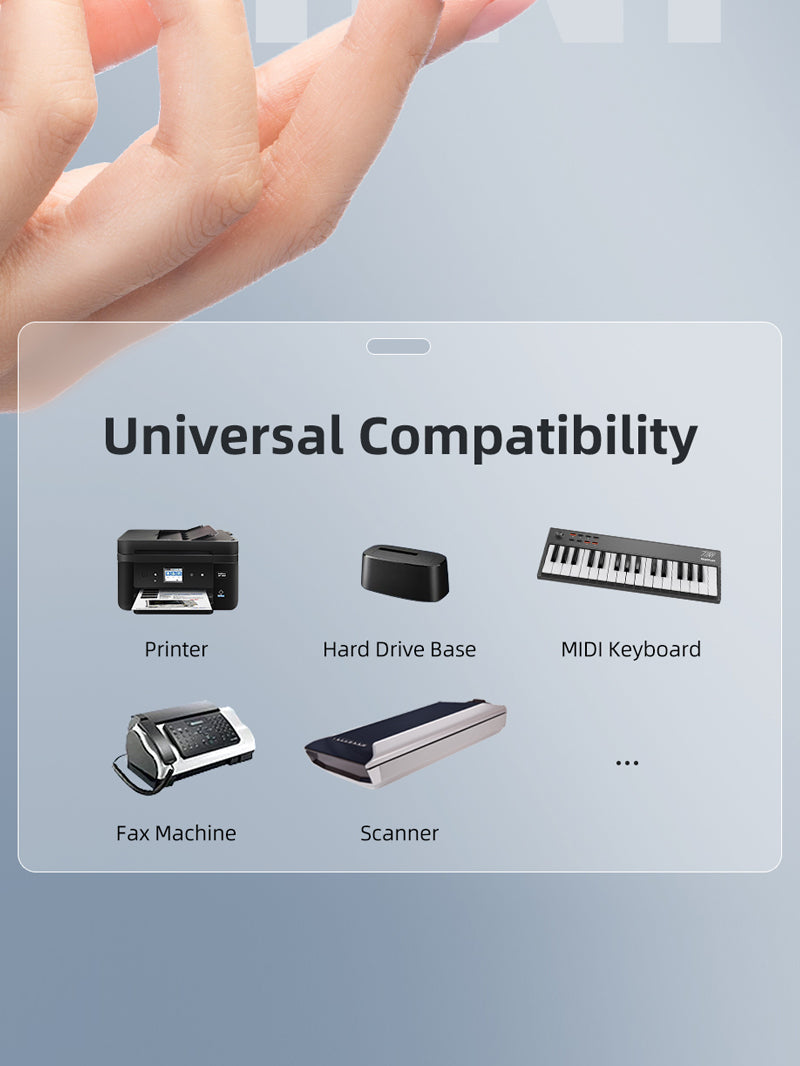
Insert the USB-B male end into a compatible printer, scanner, fax machine, drive base or other USB-B peripheral. Then connect a suitable USB-C cable between the adapter and the computer or USB host.
Check the port shape:standard USB-B is the familiar square printer-style socket. It is different from USB 3.0 Micro-B, Mini-USB, USB-A and USB-C.
Technical specifications
| Brand | CABLETIME |
|---|---|
| Model / SKU | CCB2G / CT-CFBM2-AG |
| Cable-side connector | USB-C female |
| Device-side connector | USB-B male |
| USB standard / rate | USB 2.0 data up to 480Mbps |
| Material | Aluminium shell |
| Primary function | USB data connection for compatible printer-style USB-B peripherals |
USE
Useful for printers, scanners, fax machines and selected USB-B peripherals when you prefer to use a detachable USB-C cable.
COMPATIBILITY
The connected computer must operate as a USB host, and the peripheral may still require its manufacturer’s driver or software. Cable quality and port capability affect performance.
FAQ
Is this a USB-C male adapter? No. The cable-side connection is USB-C female.
Does it carry video? No. It is for USB data, not HDMI or display output.
Does it make an old printer wireless? No. It remains a wired USB connection.
Genuine CABLETIME product • GST invoice • India-based assistance • Applicable warranty support • Exact CCB2G and SKU identification


Match the ports. Choose the right version.
Check connector types, cable length and the supported functions before connecting. Insert plugs without forcing them and leave enough slack around device ports.
Will it support every function of my device?
Only the functions listed for this product should be expected. Charging, data and display capability depend on the accessory and both connected devices; check the product details for your intended use.
Which length or version should I select?
Use the product selector to choose the required option. Check that option against any model, connector, length or pack-size distinctions in the specifications before ordering.