USB-C to 3.5mm Male AUX Audio Cable with Integrated DAC, 1m
The 1-metre CABLETIME CF16H has a USB-C male connector with an integrated audio chipset and a gold-plated 3.5mm stereo male plug. It converts compatible USB digital audio into an analogue AUX signal for playback equipment.
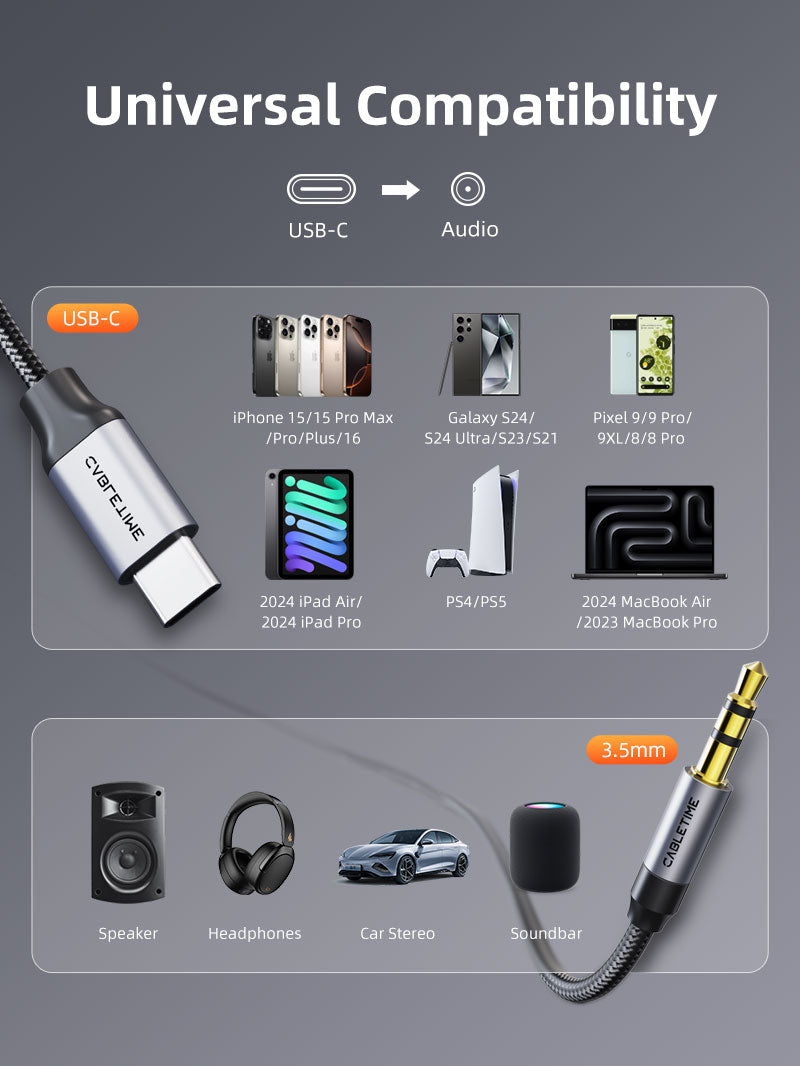
Play USB-C audio through a car stereo, speaker or other 3.5mm AUX input
USB-C MaleConnects to a compatible digital-audio host.
3.5mm MaleConnects directly to an AUX input.
Integrated DACDigital USB audio to analogue stereo output.
1 MetreSingle CF16H / CT-CMAU-AG1 variant.

Designed for playback into an AUX socket
Connect the USB-C end to a compatible phone, tablet or computer, then connect the 3.5mm male end to the AUX input of a car stereo, powered speaker, amplifier, home-audio system or other analogue audio equipment.
Check before ordering:this cable has a 3.5mm male plug. It is not a USB-C-to-headphone-socket adapter. The USB-C device must support USB digital audio output.
Technical specifications
| Brand | CABLETIME |
|---|---|
| Model / SKU | CF16H / CT-CMAU-AG1 |
| Length | 1m |
| Input connector | USB-C male with integrated audio chipset |
| Audio connector | 3.5mm stereo male, gold-plated |
| Signal function | USB digital audio to analogue stereo playback |
| Construction | Aluminium connector shell and black braided jacket |
USE
Useful for car AUX systems, powered speakers, amplifiers and home-audio equipment that provide a standard 3.5mm analogue input.
COMPATIBILITY
Compatible with supported USB-C devices that output digital audio. Device software, USB audio policy and port capability can affect operation.
FAQ
Can I plug headphones directly into it? No. The 3.5mm end is male, not female.
Does it charge the phone? No charging function is provided.
Does it carry microphone audio? This listing is for stereo playback to an AUX input; microphone support is not claimed.
Genuine CABLETIME product • GST invoice • India-based assistance • Applicable warranty support • Exact CF16H and SKU identification


Match the audio connections.
Check connector size, contact arrangement and signal direction. Reduce volume before connecting, select the appropriate input or output and raise the listening level gradually.
Will matching plugs guarantee compatibility?
Check the required audio signal, microphone support and input/output role. Physically similar connectors can carry different signals; use the product-specific guidance above.
Which length or version should I select?
Use the product selector to choose the required option. Check that option against any model, connector, length or pack-size distinctions in the specifications before ordering.