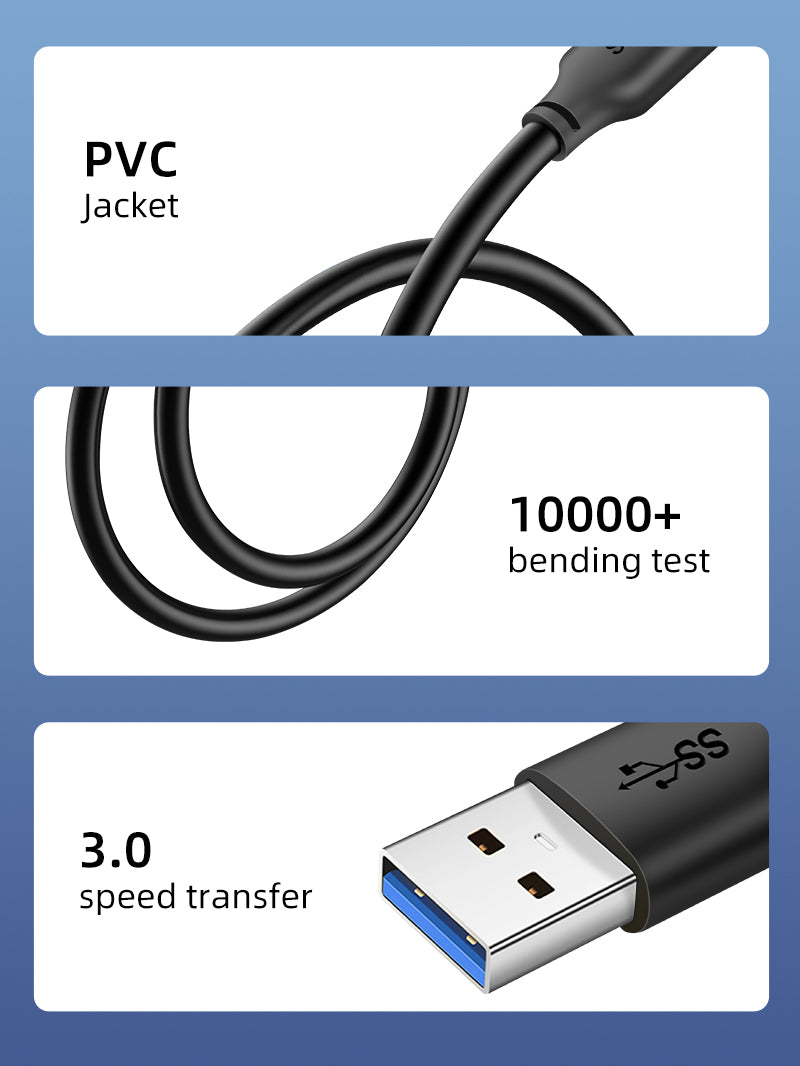
USB 3.0 Type-A Male to Male Data Cable, 5Gbps, 0.5m–3m
A specialist USB 3.0 cable for compatible enclosures, hubs, KVMs, capture devices and other equipment that explicitly requires USB-A male at both ends. Four Excel variants cover 0.5m, 1m, 2m and 3m.
Designed for your setup
5GbpsUSB 3.0 SuperSpeedA Male–A MaleSpecial-purpose connector layoutPVCFlexible black jacket4 Lengths0.5m, 1m, 2m, 3m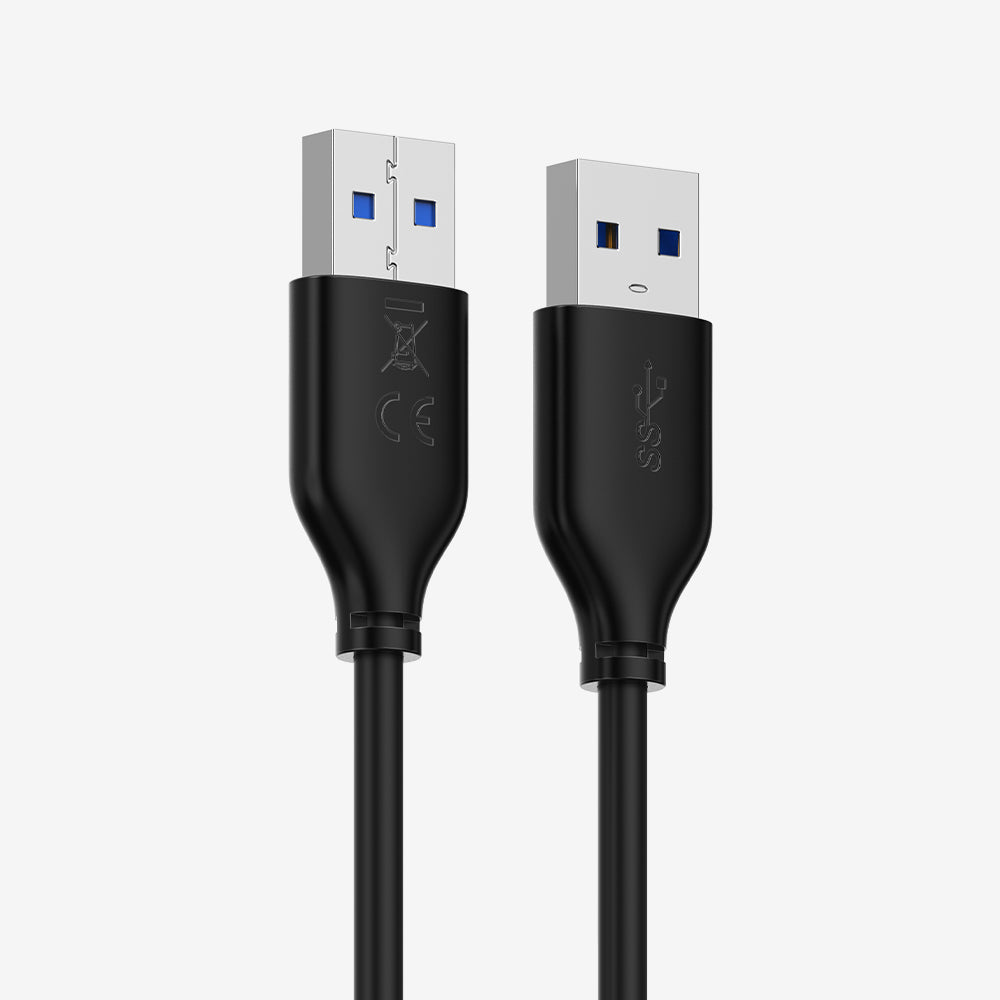
For equipment that explicitly calls for USB-A male-to-male
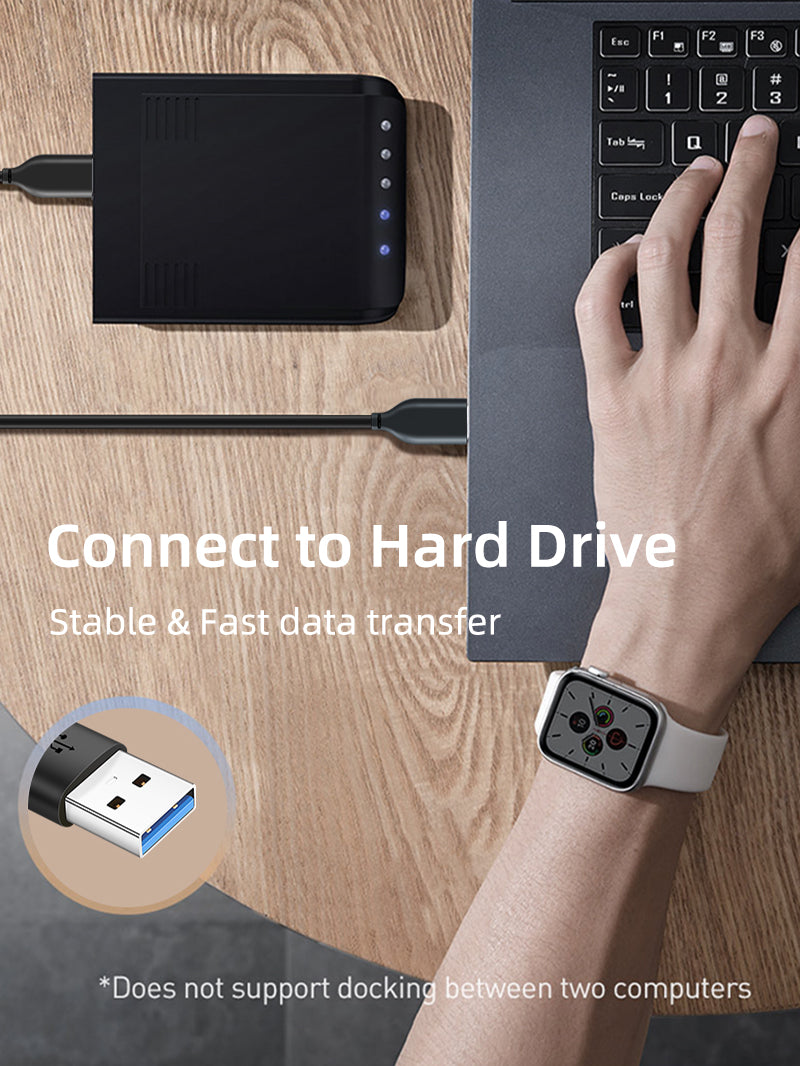
This connector combination is not a general-purpose computer-to-computer cable. It should be used only with devices whose manuals specify a USB-A male-to-male connection, such as selected hard-drive enclosures, switching devices, docking accessories and specialised peripherals.
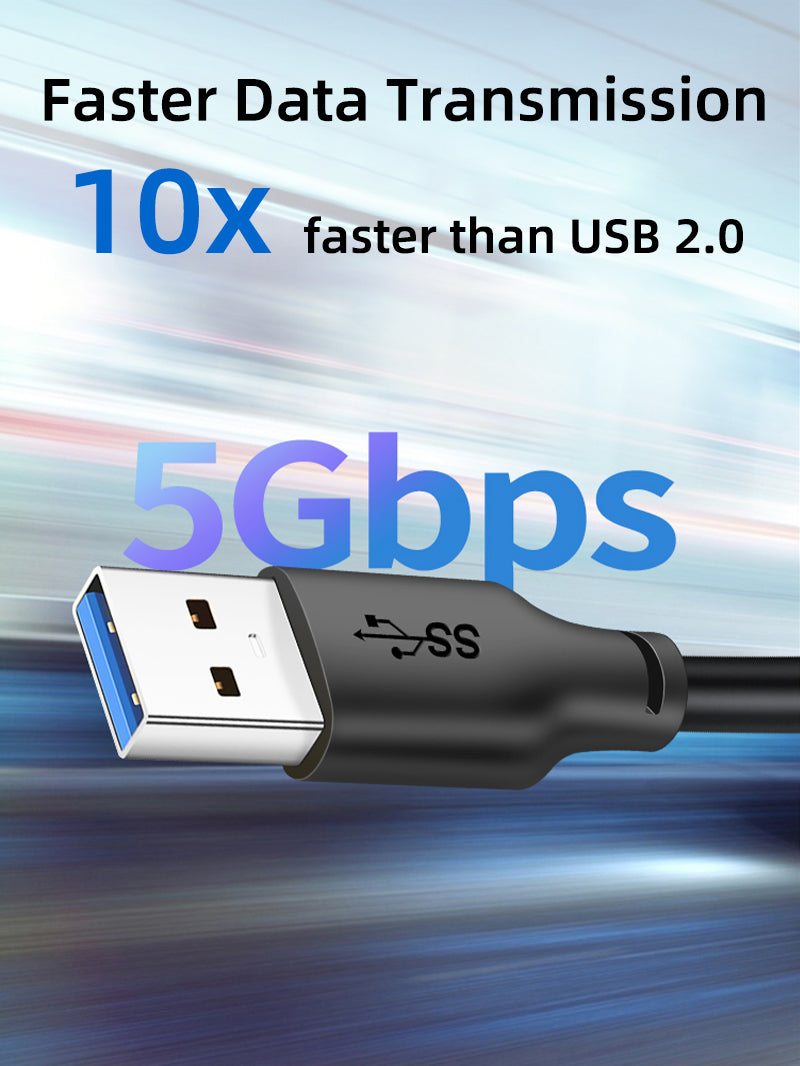
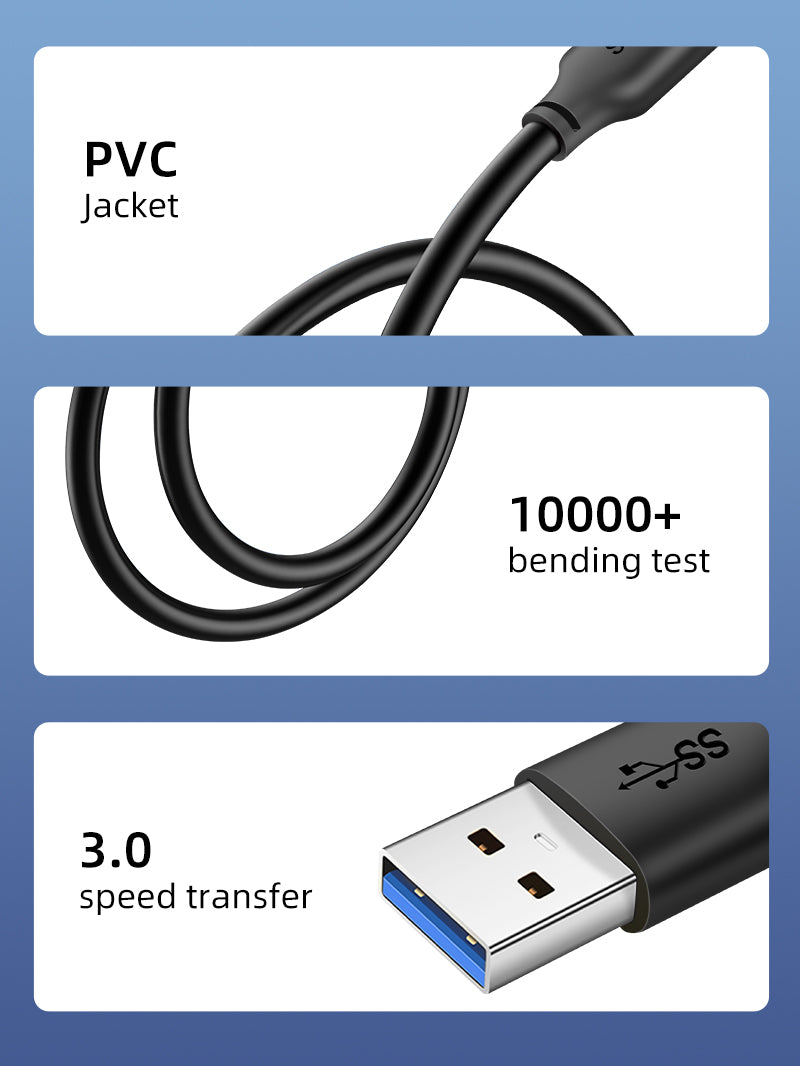
5Gbps USB 3.0
Moves supported data up to ten times faster than USB 2.0.
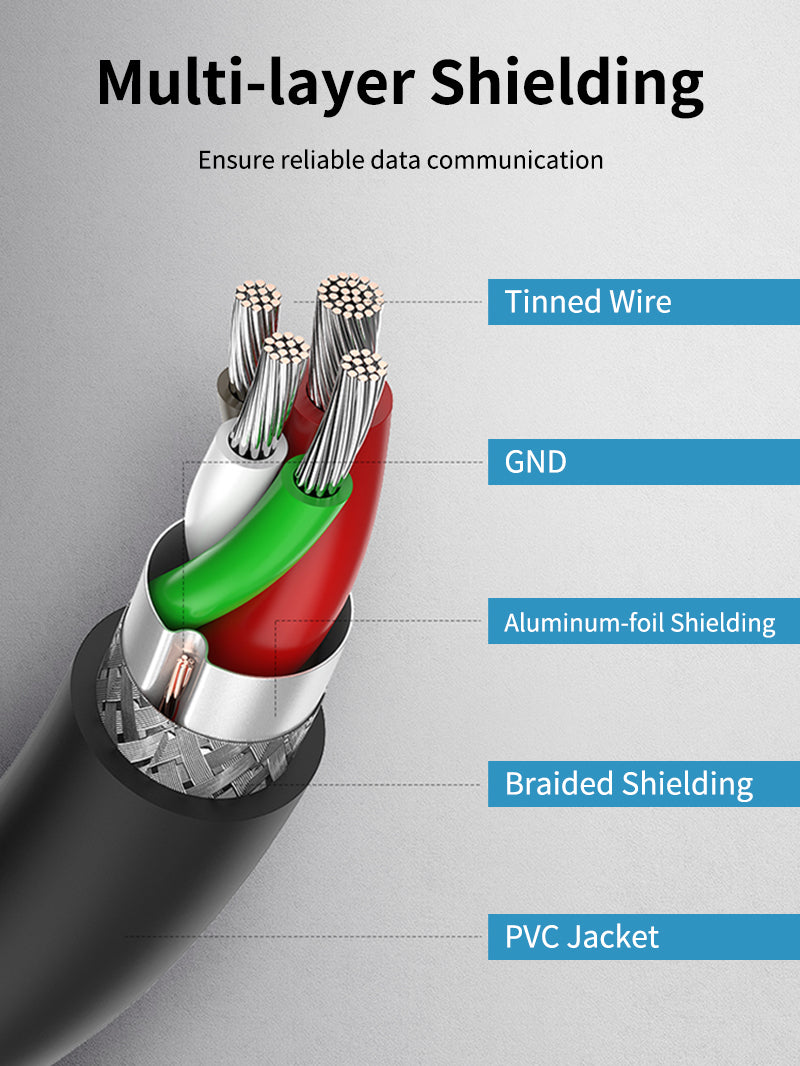
Shielded signal path
Multiple shielding layers help control interference in compatible high-speed installations.
Four practical lengths
Choose a compact 0.5m link or extend up to 3m where the device specification permits.
Backward operation
Compatible USB 2.0 equipment can operate at USB 2.0 speed.
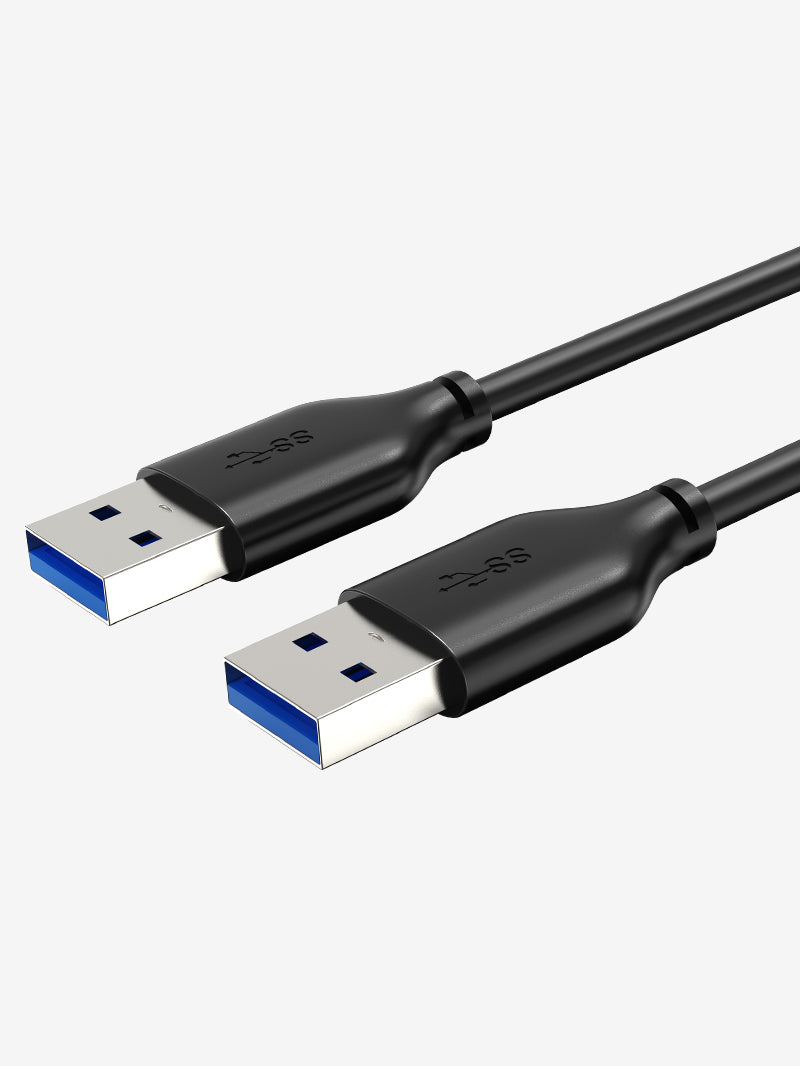
Never connect two ordinary host USB ports together
Do not use this cable to connect the USB-A ports of two computers, chargers or other host devices unless the equipment manufacturer explicitly requires that connection. Incorrect host-to-host use can damage equipment.
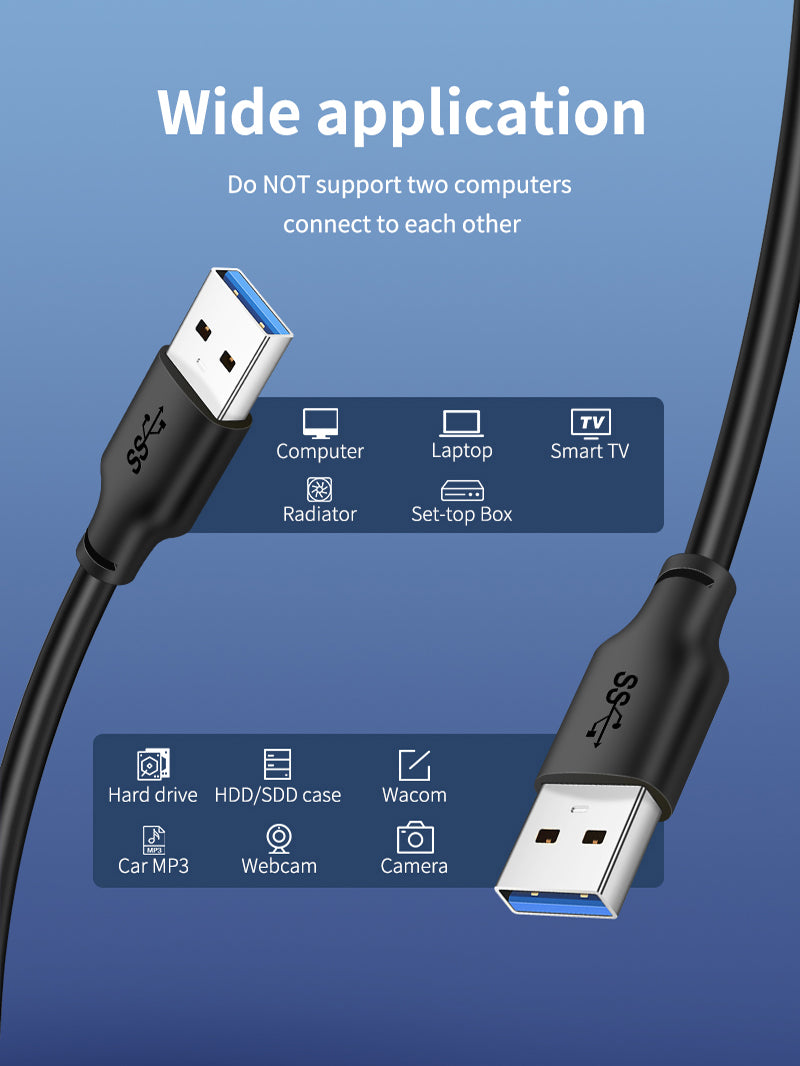
Where this cable fits best
External drive enclosures
Connect selected enclosures that provide a USB-A device-side interface.
KVM and switching devices
Use where the KVM or switch manual specifies an A-to-A upstream cable.
Hubs and docking accessories
Suitable for specialist products designed around a USB-A upstream port.
Capture and industrial peripherals
Useful for compatible measurement, capture or control hardware with explicit A-to-A requirements.
Please check before buying
- Do not connect two standard computer host ports together.
- Confirm that the target device specifically requires USB-A male-to-male.
- 5Gbps needs USB 3.x support at both ends.
- The cable does not convert protocols or provide independent power.
- Use the shortest practical length for sensitive high-speed equipment.
Complete specification sheet
| Specification | Details |
|---|---|
| Brand | CABLETIME |
| Connector | USB-A 3.0 male to USB-A 3.0 male |
| Maximum data rate | Up to 5Gbps |
| Jacket | Black PVC |
| Lengths / SKUs | 0.5m CT-C160-U3-AMAMN-B0.5; 1m B1; 2m B2; 3m B3 |
| Backward compatibility | Compatible USB 2.0 operation at lower speed |
| Warranty | 2 years |
Frequently asked questions
Can I connect two laptops with it?
No, not through ordinary USB host ports.
Why would a device use A-to-A?
Some enclosures, hubs, KVMs and specialist peripherals use a USB-A upstream connection.
Is it 5Gbps?
Yes, when both connected interfaces support USB 3.x.
Does it support charging?
It carries USB bus power as designed by the connected equipment but is not a charging cable.
Can it replace a USB-A to USB-B printer cable?
No. The connectors are different.
Which length should I select?
Use the shortest length that reaches safely and complies with the device manual.
Official CABLETIME product visuals
All available official product and feature visuals recovered for this model family are included in the Shopify gallery and used throughout this description.
CABLETIME India — Buy with Confidence
Authentic CABLETIME product • GST invoice • India-based sales and support • Correct SKU identification • 2-year manufacturer warranty
Available options
| Option | SKU |
|---|---|
| 0.5m | CA10E |
| 1m | CA10H |
| 2m | CA10L |
| 3m | CA10N |
Choose your option using the product selector above. Availability is shown for the selected option.
Match the ports. Choose the right version.
Check connector types, cable length and the supported functions before connecting. Insert plugs without forcing them and leave enough slack around device ports.
Will it support every function of my device?
Only the functions listed for this product should be expected. Charging, data and display capability depend on the accessory and both connected devices; check the product details for your intended use.
Which length or version should I select?
Use the product selector to choose the required option. Check that option against any model, connector, length or pack-size distinctions in the specifications before ordering.