DisplayPort 1.2 to HDMI Cable, 4K@60Hz, 1m / 1.8m
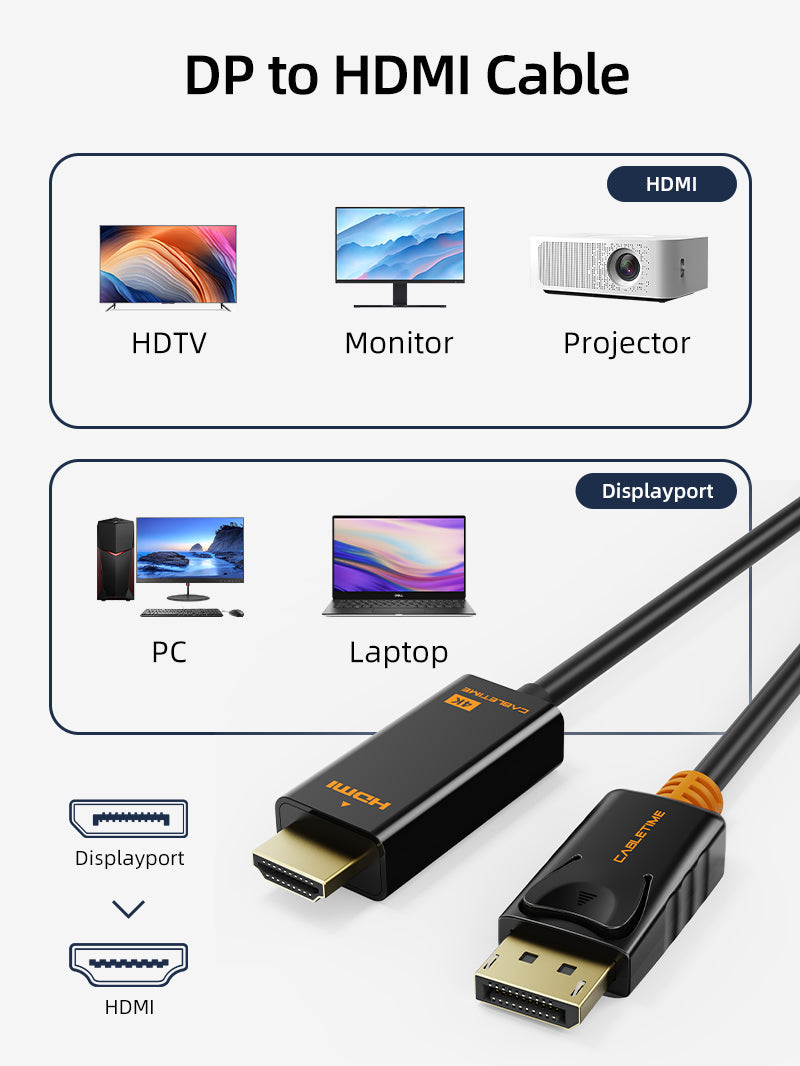
Our one-way DP 1.2 to HDMI cable combines the converter and cable in one tidy connection for monitors, TVs and projectors.
Connect a DisplayPort computer directly to an HDMI screen at up to 4K@60Hz
4K@60HzCompatible UHD display outputDP → HDMIFixed source-to-display directionAudio + VideoOne digital connection1m / 1.8mTwo desk-friendly lengthsDesigned for DisplayPort output to HDMI input
Connect the locking DisplayPort plug to a compatible computer, graphics card or dock, then connect HDMI to the monitor, TV or projector. Use the operating system to select mirror or extended mode.
Not reversible: it cannot send an HDMI-source signal to a DisplayPort monitor.
| Source connector | DisplayPort 1.2 male, gold-plated |
|---|---|
| Display connector | HDMI male, gold-plated |
| Maximum video | 4K@60Hz; backward compatible modes depend on equipment |
| Variants | 1m and 1.8m / CT-AV585-02G(4K60)-B family |
USE
- Connect DisplayPort to the source.
- Connect HDMI to the display.
- Select the HDMI input.
- Choose resolution, refresh rate and mirror/extend mode.
COMPATIBILITY
For DisplayPort-output computers and HDMI-input displays. The source graphics system and display must support 4K@60Hz for maximum output.
USER SCENARIOS
- Desktop GPU to 4K television
- Workstation to HDMI monitor
- Conference-room projector
- Home entertainment PC
FAQ
Does it work HDMI to DisplayPort?
No.
Does it carry sound?
Yes, when supported by the source and display.
Why am I getting 4K30?
Check the graphics output, display port, settings and HDMI capability.
genuine product, GST invoice, India support and applicable warranty.


Available options
| Option | SKU |
|---|---|
| 1m | CD32H |
| 1.8m | CD32K |
Choose your option using the product selector above. Availability is shown for the selected option.
Check the signal path first.
Identify the source and display or capture device, check connector type and conversion direction, then connect and select the correct input. Choose a video mode supported by the complete setup.
Will I always get the maximum listed resolution?
Actual output depends on the source, receiving device, intermediate equipment, selected mode and the length or version you choose. Check any length-specific limits in the product details.
Which length or version should I select?
Use the product selector to choose the required option. Check that option against any model, connector, length or pack-size distinctions in the specifications before ordering.